 DuckoLab
DuckoPoster
Automate
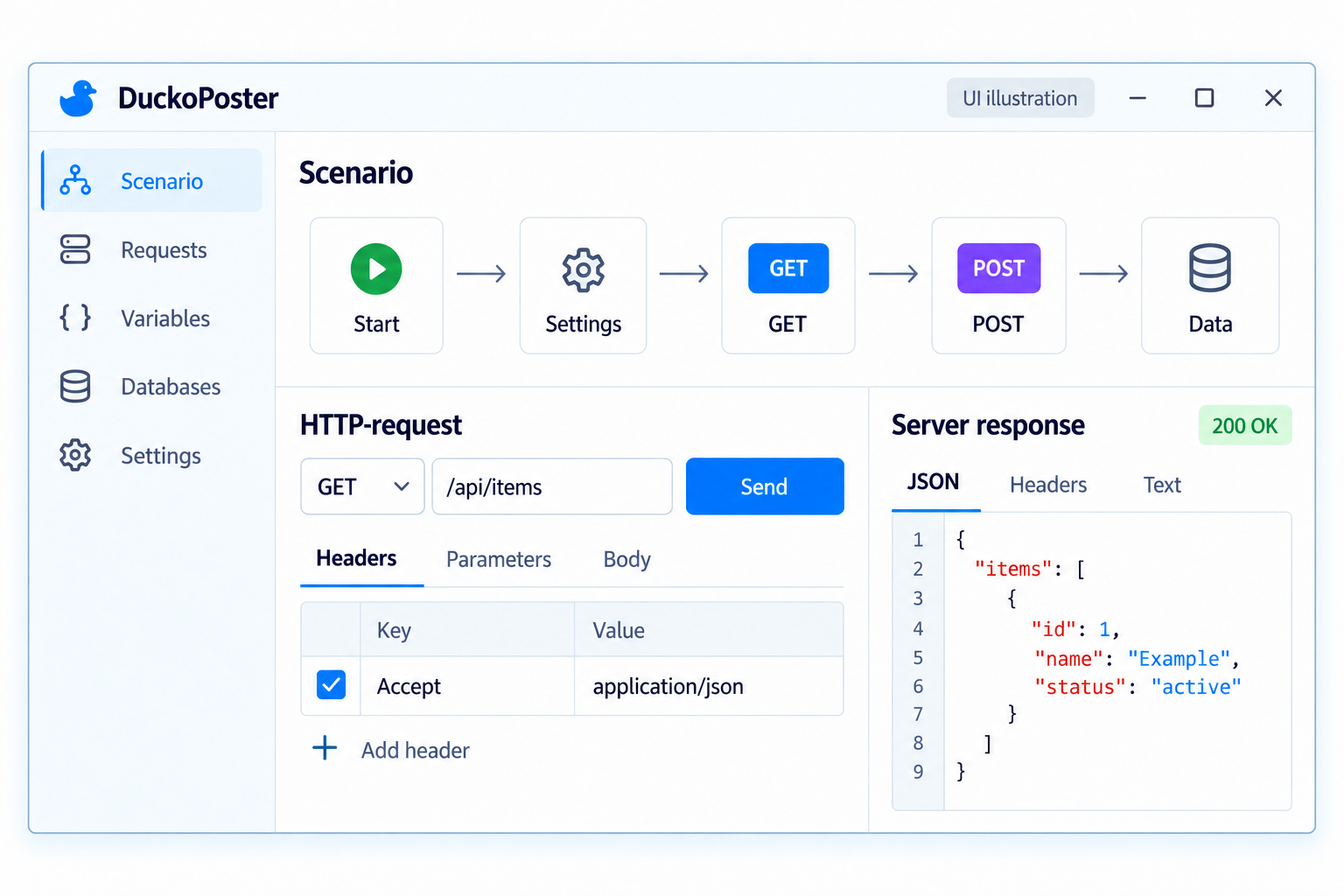
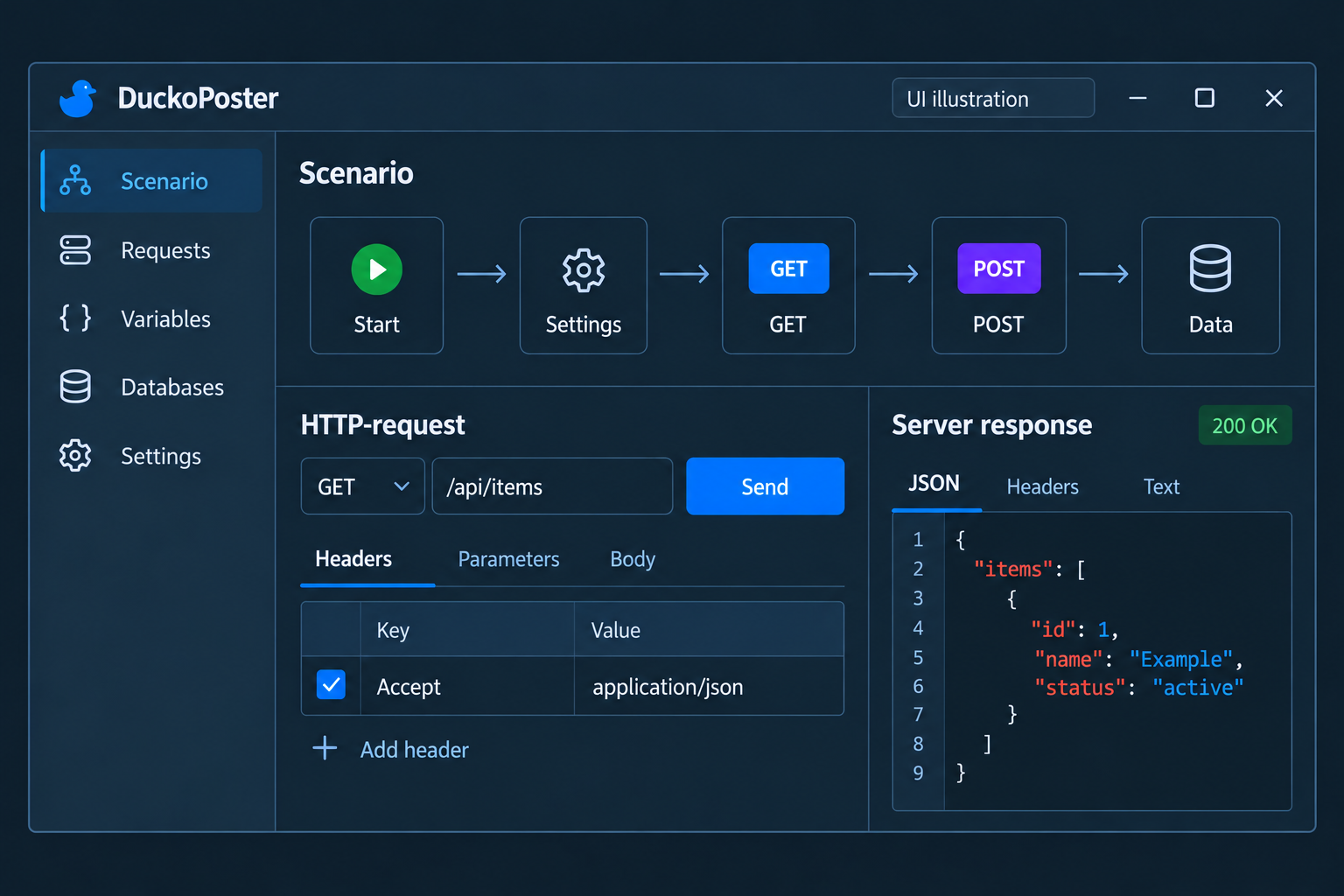
HTTP requests
Build sequences of requests in a visual editor. Process responses and save the results.
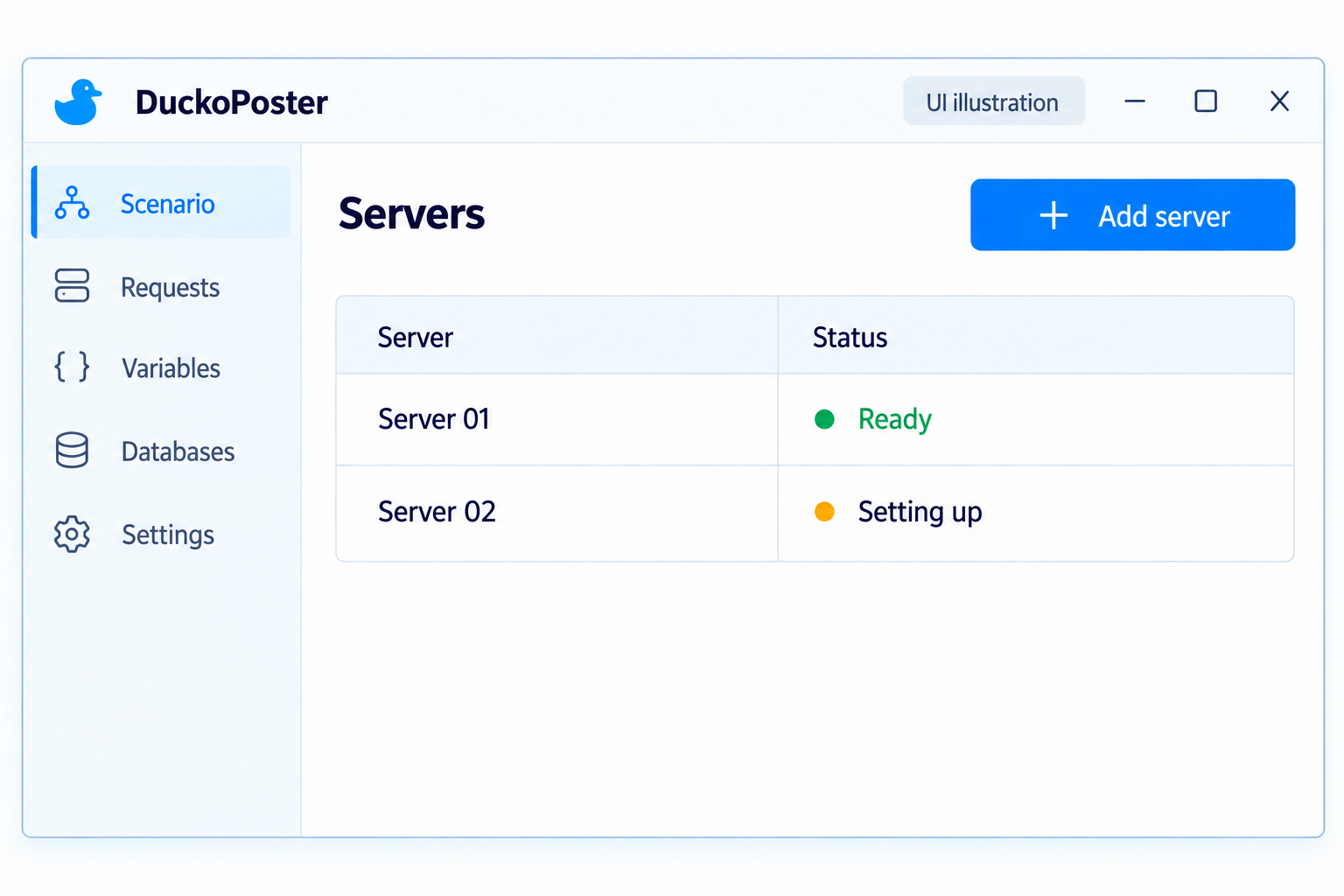
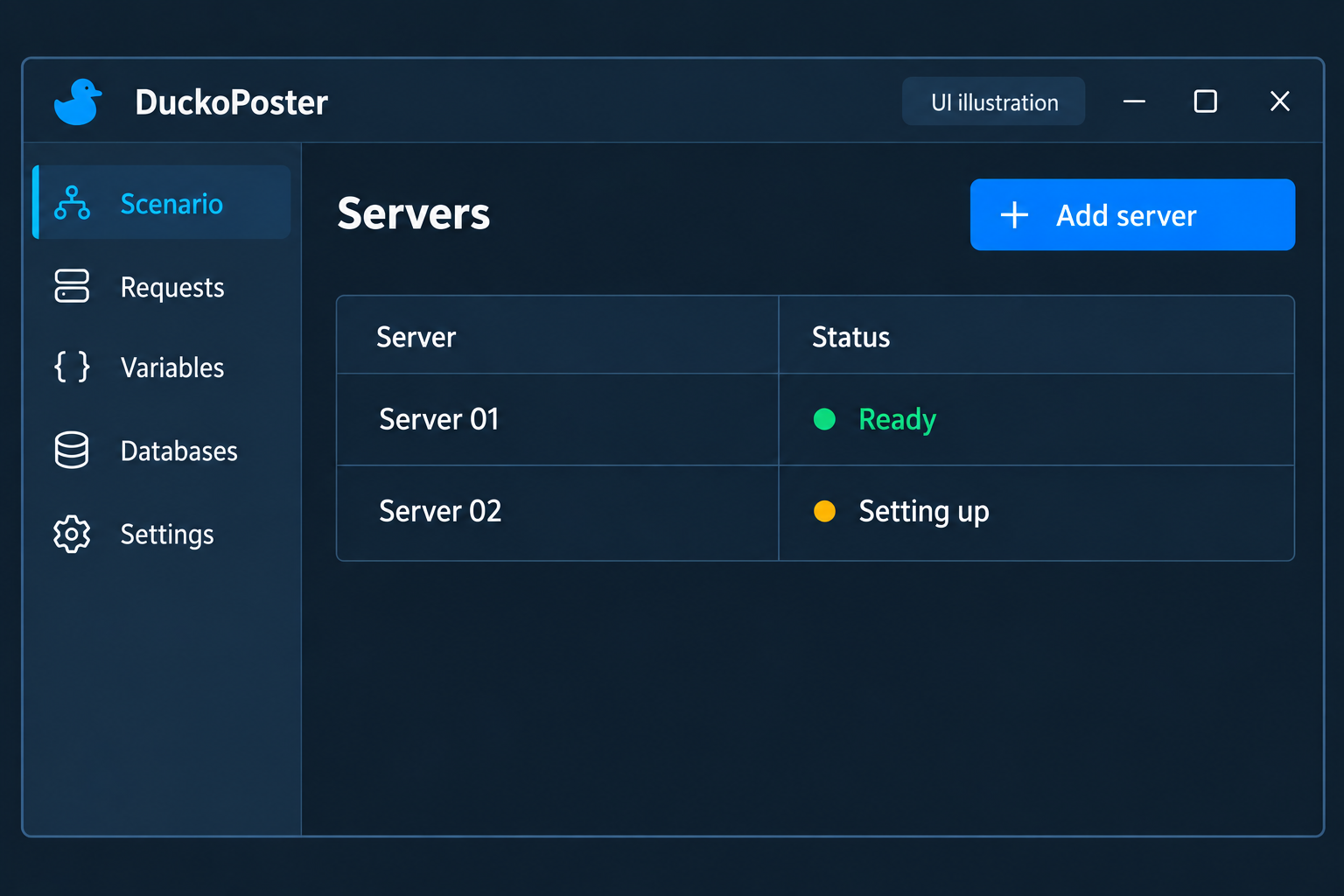
Servers ready to run
Connect your servers and configure them automatically from DuckoPoster.
Connect a server
Add your server and enter its connection details.
Automatic setup
Start installation from the editor — DuckoPoster prepares the server to run your projects.
Run projects
Manage project execution and available workers.
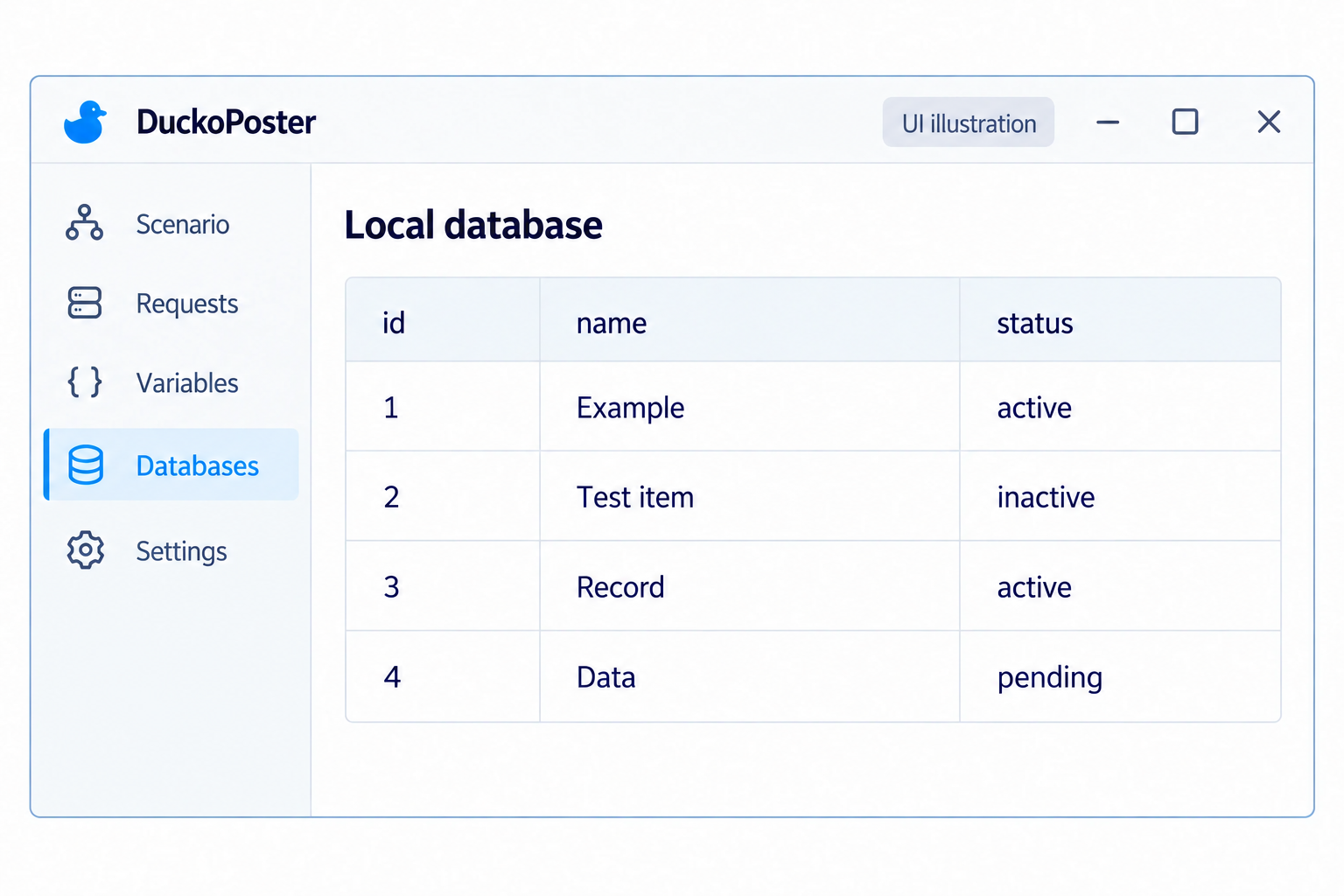
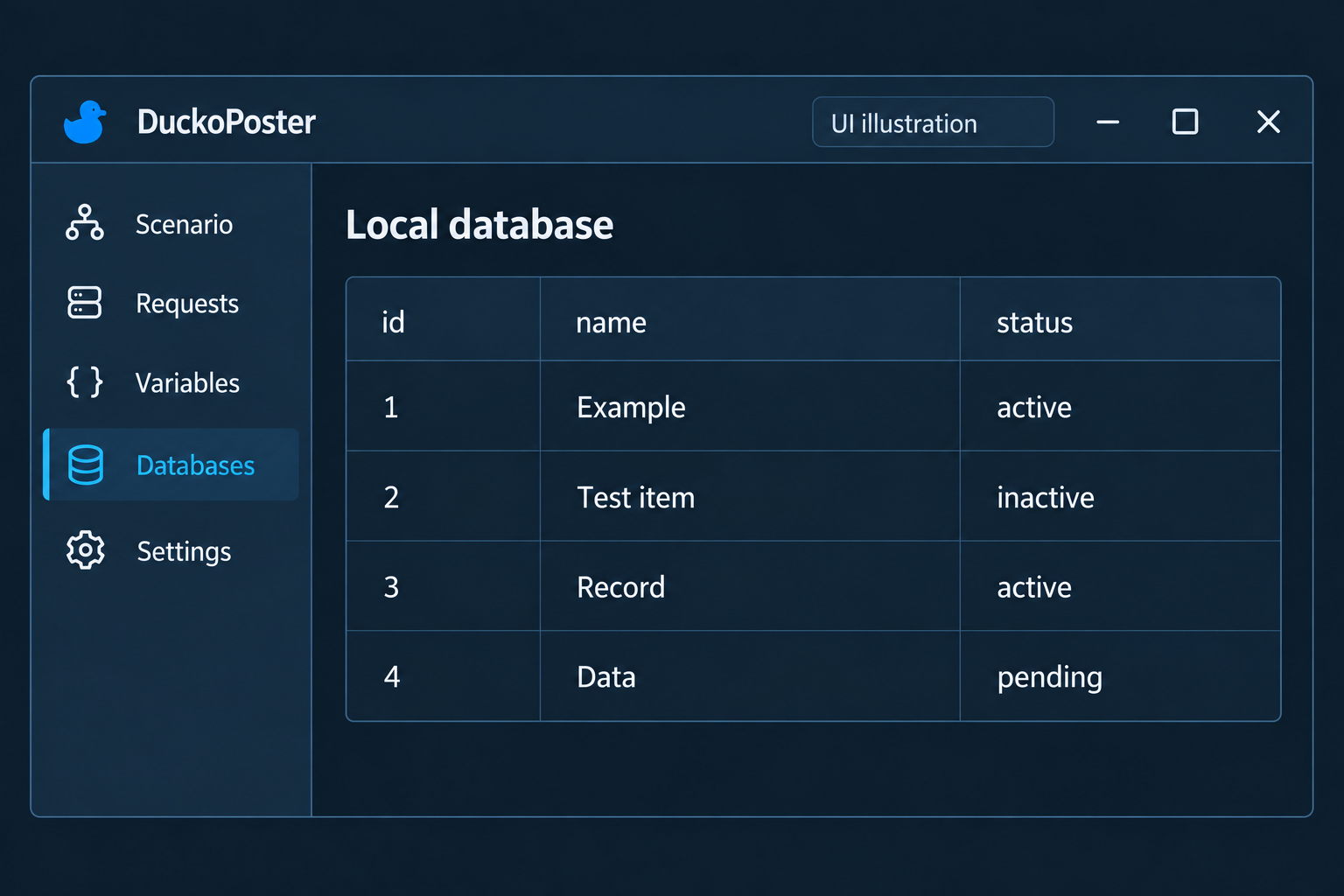
Keep your data locally
Create local databases and store the results of HTTP requests.
Create a database
Create a local database for your project's data.
Save results
Write response data to the database.
Use your data
Use saved results in subsequent actions.